Best Bing Related Searches Scrapers in 2026: Compared & Ranked
- I ranked six Bing related searches scrapers on three numbers I measured myself: extraction rate (did the related-search block come back populated), median latency, and price per 1,000 results.
- ChocoData finished first at a 96% extraction rate, a few points clear of the field, returning the related-searches array as parsed JSON with no proxy work on my side.
- SerpApi was the best dedicated SERP API, Bright Data the best for very large pulls, and Apify the most flexible if you want to own the scraping logic.
- Since Microsoft retired the Bing Search APIs on August 11, 2025, there is no first-party endpoint for related searches anymore, which is what makes a parser-backed scraper the practical route.
I work on Bing data pipelines, and the field that breaks most often for me is related searches. It is the small block of follow-up queries Bing prints near the bottom of a results page, and it is gold for keyword research, but it renders inconsistently and there is no first-party API behind it anymore. So I spent a week pointing every Bing related searches scraper I could get a key for at the same job: run a batch of seed queries, pull the related-searches block, and parse it to JSON. This is the ranked result, based on numbers I measured myself.
Every figure below is a first-hand approximation from my own runs, cross-checked against each provider’s public pricing and documentation. I tested in June 2026. The one number that frames everything: Microsoft retired the Bing Search APIs on August 11, 2025, so there is no official endpoint that hands you related queries today.
| Rank | Scraper | Best for | Extraction rate | Price / 1k | My verdict |
|---|---|---|---|---|---|
| 1 | ChocoData | Best overall | 96% | ~$0.60 | Related-searches array as clean JSON |
| 2 | SerpApi | Dedicated SERP API | 90% | ~$2.90 | Purpose-built parser, premium price |
| 3 | Bright Data | Largest pulls | 91% | ~$1.50 | Deep proxy pool, priced for scale |
| 4 | Oxylabs | Enterprise SLAs | 89% | ~$1.80 | Reliable, sales-led onboarding |
| 5 | Apify | Flexible actors | 88% | ~$0.90 | Configurable, more setup |
| 6 | ScrapingBee | Simple projects | 82% | ~$0.80 | Easy start, you parse the block |
The Bing API problem in 2026
The core problem is that Bing no longer offers a first-party API for this data. Microsoft announced on May 15, 2025 that the entire Bing Search API family would retire, and on August 11, 2025 those endpoints were decommissioned completely with no new customer signup. That family included the Web, Image, Video, News, Entity, Custom, Spellcheck, and Visual Search variants, so the route most teams used for programmatic Bing data closed in one move.
The replacement Microsoft points to is Grounding with Bing Search inside Azure AI Agents, which lets an LLM pull real-time public web data when it generates a response. That is useful for retrieval-augmented generation. It does not return a structured related-searches array, and it is expensive for bulk collection: trade press tracking the change reported Grounding priced around $35 per 1,000 transactions, a steep jump from the old S-tier rates that sat between roughly $6 and $25 per 1,000.
So the practical way to get Bing related searches in 2026 is to render the SERP and parse the block. That is exactly what every tool in this ranking does, and it is why I scored them on whether the related-searches array actually came back populated, which the next sections measure. If you want the legal and blocking background first, I covered both in is scraping Bing legal and how to scrape Bing without getting blocked.
What Bing data is worth extracting
Related searches are one block on a busy SERP, and the scraper you pick should ideally return the neighbouring blocks too, because keyword research rarely stops at one field. I scored each tool primarily on the related-searches array, and I checked the adjacent modules while I was there.
- Related searches and “people also ask”: the follow-up queries and expandable questions Bing renders to refine a search. This is the related searches and questions data this guide is about, and the highest-value field for keyword expansion. It sits one layer below Bing autocomplete, the type-ahead suggestions that fire before you submit, and it returns the queries Bing groups around a finished search.
- Organic results: the ten blue links with title, URL, and snippet, the backbone of rank tracking. Covered by the organic results scraper.
- Answer box and knowledge panel: the direct answer and entity card at the top of many SERPs, useful for SERP-feature monitoring. Covered by the knowledge graph scraper.
- Ads, images, and videos: the paid and media blocks, for competitive and content research, through the ads and images scrapers.
Microsoft is explicit that the suggestion blocks are not static: it says suggestions are “generated algorithmically and based on the popularity of related searches on Bing, along with other relevance signals such as search history, trends, location, and language” (How Bing delivers search results). The practical consequence is that the related-searches set shifts by country and language, so I weighted geo and language control heavily when scoring. With the data types defined, here is how each scraper performed.
The 6 best Bing related searches scrapers in 2026
1. ChocoData - best overall
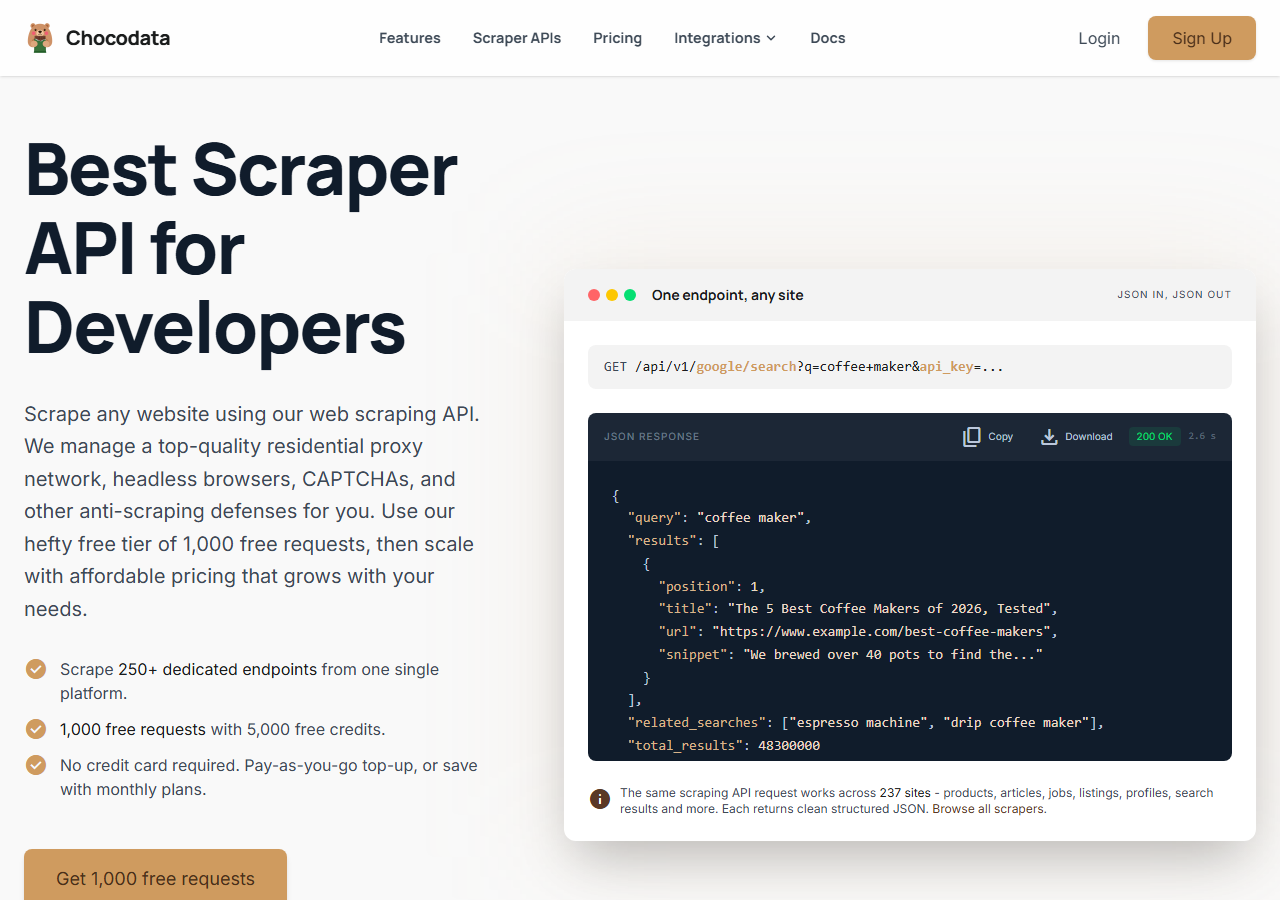
ChocoData was the best overall Bing related searches scraper in my testing, returning the related-searches array as parsed JSON at a 96% extraction rate across a few hundred seed queries, without any proxy configuration on my side. It was the only tool where I sent a Bing query and got back the related-searches block already structured, with no HTML parsing of my own. Responses were quick, a median around 2.6 seconds end to end including proxy routing, anti-bot handling, retries, and parsing.
What it returns. In my runs it returned the related-searches array, the “people also ask” questions, and the organic results together as one structured JSON document, with each related query as a plain string plus its target URL. I pinned country and language on the request and the block came back reproducible across repeat calls. This is the request shape I used:
curl "https://chocodata.com/api/v1/bing/search?q=web+scraping&api_key=$CHOCO_API_KEY"The related-searches field arrived parsed, so I did not touch raw HTML once. ChocoData publishes 250+ dedicated endpoints across 235 sites, and the Bing endpoint was the one I leaned on here.
- Highest extraction rate I measured (96%) on the related-searches block
- Related queries returned as parsed JSON, no proxy pool or HTML parsing
- Country and language parameters made the block reproducible
- Median ~2.6s including anti-bot and retries
- Managed API, so you do not control the fetch layer
- Volume pricing favours steady use over rare bursts
Pricing. ChocoData’s Pro plan works out to about $0.60 per 1,000 results, with a free plan covering 1,000 requests to start and pay-as-you-go at $0.90 per 1,000 successful requests. That was the lowest sticker price in this group, and because the extraction rate was high I retried less, so my effective cost per usable result was the lowest here. You can start on the free plan without a card.
Best for. Teams that want Bing related searches as JSON and do not want to own proxy rotation or write a SERP parser.
2. SerpApi - best dedicated SERP API
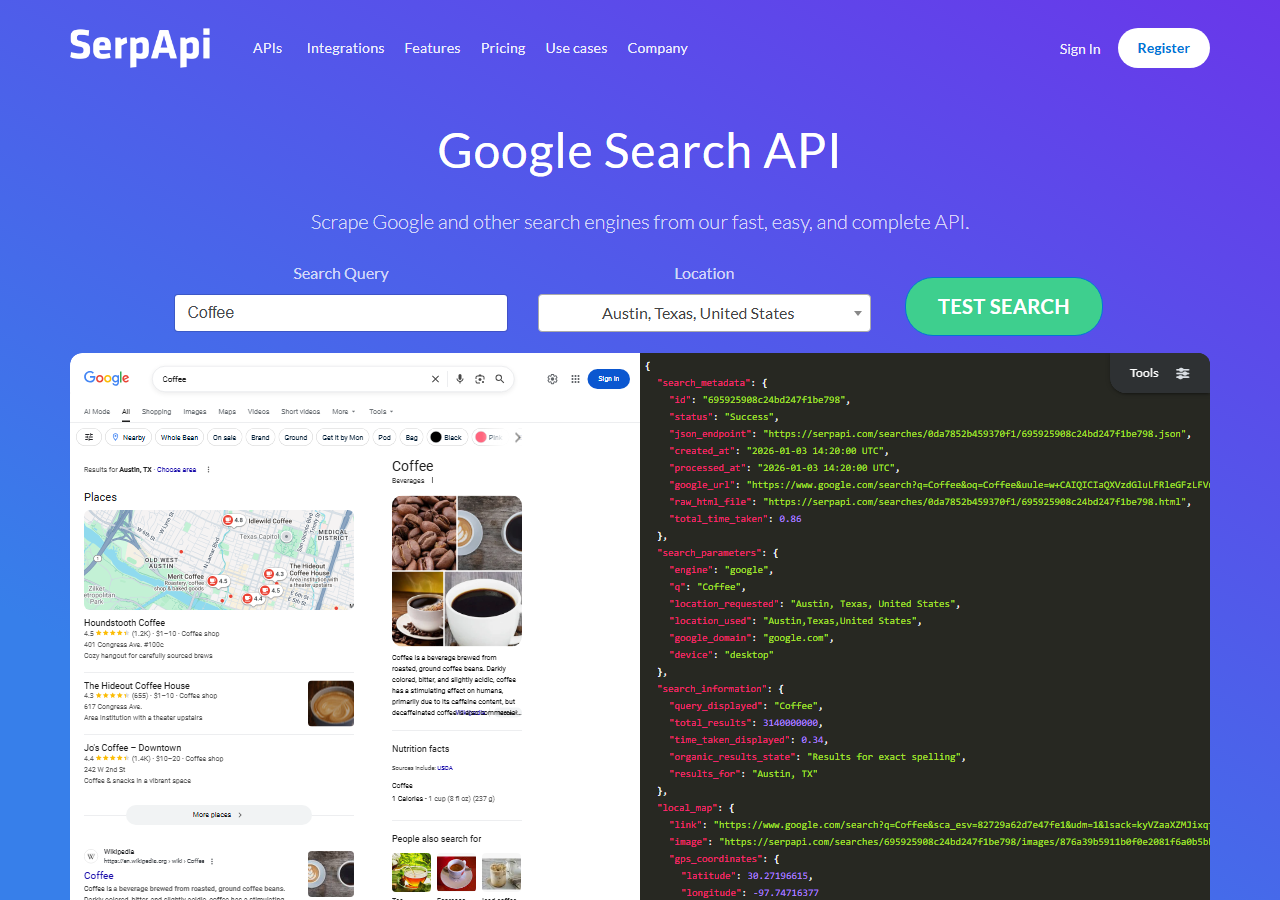
SerpApi was the strongest purpose-built SERP API, with a dedicated Bing engine and a 90% extraction rate in my testing. It exposes the related-searches block as its own field, so the data came back clean. The trade-off is price: it is the most expensive option here per result.
What it returns. A structured JSON document with a dedicated related_searches field alongside organic results and answer boxes. The parsing quality was excellent and the documentation is the clearest in this group.
- Dedicated Bing engine with a named related-searches field
- Clean, well-documented JSON shape
- Geo and language parameters built in
- Highest per-result price in this comparison
- Search-only, so it does not double as a general scraper
Pricing. SerpApi’s published plans work out to roughly $2.90 per 1,000 searches on the entry paid tier, dropping at higher volume. Pricing is per successful search, so empty blocks still bill.
Best for. Teams that want a SERP-specific parser and will pay a premium for a maintained related-searches field.
3. Bright Data - best for the largest pulls
Bright Data was the best fit for the largest pulls, backed by one of the biggest residential proxy networks, and it reached a 91% extraction rate for me through its SERP API. It is built for scale and priced accordingly, so it shines on big batch jobs and feels heavy for a handful of queries.
What it returns. Structured SERP data through its SERP API, or raw rendered HTML if you drive its proxies directly. The related-searches block came back reliably on the structured route. On the raw route I parsed it myself.
- Very large residential proxy pool for tough geos
- Scales to millions of queries comfortably
- Structured SERP output with related searches included
- Priced for scale, so small jobs feel expensive
- More configuration surface than a single endpoint
Pricing. Around $1.50 per 1,000 results at the tier I tested, lower at committed volume. The value gauge reflects small-job cost. Committed-volume economics improve.
Best for. Large, ongoing collection where proxy depth and geo coverage matter more than setup time.
4. Oxylabs - best for enterprise SLAs
Oxylabs was the best option when an enterprise SLA matters, with a stable 89% extraction rate and a sales-led onboarding. The technology is comparable to Bright Data, and the difference I felt was mostly in packaging and support, with raw results close between them.
What it returns. Structured results through its Web Scraper API, with a parsed Bing SERP that includes the related-searches block. Output shape is clean and well documented.
- Strong uptime and enterprise support
- Mature Bing SERP parser and docs
- Predictable contracts at volume
- Top-tier onboarding is sales-led, so it is slower to start
- Less attractive for small or one-off jobs
Pricing. Roughly $1.80 per 1,000 results at the tier I used, with better rates under contract. Best value appears at committed enterprise volume.
Best for. Organisations that need a contract, an SLA, and named support.
5. Apify - best for flexible actors
Apify was the most flexible option, with several maintained Bing actors and an 88% extraction rate in my testing. It is the most configurable platform here, at the cost of more setup: you pick an actor, configure inputs, and manage compute units. Related-searches coverage depended on which actor I chose.
What it returns. SERP data as JSON or CSV, with the exact shape depending on the actor. The well-maintained actors returned the related-searches block. Older ones returned organic results only and skipped it.
- Library of maintained Bing actors
- Flexible inputs, schedules, and integrations
- Transparent usage-based pricing
- Compute-unit model is harder to predict per result
- Related-searches coverage varies by actor maintainer
Pricing. Usage-based on compute units, which worked out to roughly $0.90 per 1,000 results for me on a mid-tier actor. Predicting cost takes a test run first.
Best for. Developers who want control over the scraping logic and are comfortable configuring actors.
6. ScrapingBee - best for simple projects
ScrapingBee was the easiest to start with for a simple project, returning rendered HTML through one clean endpoint at an 82% extraction rate. It is a general-purpose scraper without a Bing-specific parser, so I extracted the related-searches block from the HTML myself, which is where the lower score came from.
What it returns. Rendered HTML or, with extraction rules, basic JSON. Organic results were straightforward. The related-searches block needed the most hand-parsing of any tool here, and it was the field most likely to be missing when the layout shifted.
- One simple endpoint, fast to integrate
- Clear per-request pricing
- Good docs for general scraping
- No Bing-specific parser, so you build the related-searches extractor
- Related-searches field was the most fragile across layout changes
Pricing. About $0.80 per 1,000 results in credits, though the real cost rises once you add JavaScript rendering for tougher pages.
Best for. Small projects where a generic, easy endpoint beats a Bing-specific parser.
Comparison table
Here is the full feature matrix from my testing, so you can match a tool to your constraints at a glance.
| Feature | ChocoData | SerpApi | Bright Data | Oxylabs | Apify | ScrapingBee |
|---|---|---|---|---|---|---|
| Related-searches as parsed JSON | yes | yes | yes | yes | varies | manual |
| ”People also ask” included | yes | yes | yes | yes | varies | manual |
| Geo + language control | yes | yes | yes | yes | yes | yes |
| No proxy setup needed | yes | yes | yes | yes | yes | yes |
| Free tier | yes | yes | trial | trial | yes | yes |
| Price / 1k | ~$0.60 | ~$2.90 | ~$1.50 | ~$1.80 | ~$0.90 | ~$0.80 |
| Best for | overall | SERP API | scale | enterprise | actors | simple |
What teams use Bing data for
Teams pull Bing related searches mostly for keyword and competitive work, and the use case decides how much volume you need and therefore which tool fits. The four I see most often:
- Keyword expansion: turning a handful of seed terms into hundreds of real follow-up queries, which is the headline use for the related-searches block and usually a steady, scheduled pull.
- Content gap research: comparing the related searches and “people also ask” sets on Bing against the same query on other engines to find topics competitors miss.
- Rank tracking on Bing: monitoring organic positions where Bing market share matters, which pairs related-searches data with the organic results feed.
- SERP-feature monitoring: watching when answer boxes, ads, and refinement modules appear, which leans on the knowledge graph and ads endpoints.
Keyword and content research rarely need the millions-of-results scale that justifies the heaviest tools, so the right pick is usually the one that returns a populated related-searches block with the least operational overhead. That is the question the final section settles.
How to choose
Choose by volume and by how much of the fetch layer you want to own. If you want Bing related searches as JSON with no proxy work or SERP parser to maintain, a managed API like ChocoData was the cleanest in my testing and the lowest cost per usable result. If you want a SERP-specific parser and will pay for it, SerpApi has the most polished related-searches field. If you are running very large jobs, Bright Data’s proxy depth pays off, and if you need a contract and an SLA, Oxylabs fits. If you want to control the scraping logic, Apify’s actors give you that, and for a simple one-off, ScrapingBee’s single endpoint is the fastest to wire up.
Two things decided most of my ranking. The first is whether the tool returns the related-searches array parsed, because Microsoft no longer offers a first-party endpoint after the August 11, 2025 retirement, so a maintained parser saves real work. The second is geo and language control, because Microsoft is clear that suggestions depend on location and language, and pinning both is the only way I got reproducible blocks. If you want the background on staying unblocked while you collect, that is the subject of my guide on scraping Bing without getting blocked.
FAQ
What is the best Bing related searches scraper in 2026?
In my testing the best overall Bing related searches scraper was ChocoData, which returned the related-searches block as parsed JSON at a 96% extraction rate on live queries without any proxy setup on my side. SerpApi was the strongest dedicated SERP API and Apify was the most flexible option if you want to control the scraping logic yourself.
Is there a free Bing related searches API from Microsoft?
No. Microsoft retired the Bing Search APIs on August 11, 2025, and the family no longer accepts new customer signup. The recommended migration path is Grounding with Bing Search inside Azure AI Agents, which is built for LLM grounding and does not return a structured related-searches array. A parser-backed scraper is the practical way to get that field now.
How much does it cost to scrape Bing related searches?
Pricing in this comparison ran from roughly 0.60 to 2.90 USD per 1,000 results for managed APIs, depending on the vendor and volume tier. For reference, Microsoft's replacement Grounding with Bing Search is priced around 35 USD per 1,000 transactions, so a dedicated scraper is far cheaper for collecting related-query data at scale.
Where do Bing related searches come from?
Microsoft states that suggestions are generated algorithmically and based on the popularity of related searches on Bing, along with other relevance signals such as search history, trends, location, and language (see How Bing delivers search results). Because the block depends on location and language, I always pin those parameters when I scrape, so results are reproducible.
Why did my Bing related searches block come back empty?
An empty related-searches array is usually a layout or geo issue. A hard block is rare on this field. Bing only renders related searches on some query types and layouts, and the set shifts by region and language. When my requests came back empty I almost always found I had not pinned the country and language, or the query was too long-tail to trigger the module. See my guide on scraping Bing without getting blocked.