Best Bing Ads Results Scrapers in 2026: Compared & Ranked
- I ranked six Bing ads results scrapers on three numbers I measured myself: ad-capture success rate on commercial queries, median latency, and price per 1,000 searches.
- ChocoData came out on top at a 96% ad-capture rate, a few points ahead of the next best, returning parsed JSON for paid placements with no proxy setup on my side.
- The official Microsoft Advertising API is scoped to your own campaign reporting, so competitor ad data on the live SERP comes from a scraper.
- Microsoft retired the Bing Search APIs on August 11, 2025, which removed the sanctioned way to read raw SERP results and pushed everyone toward scraping or the Azure-locked replacement.
I needed competitor ad data from Bing for a paid-search audit, so I spent a week running every Bing ads results scraper I could get an API key for through the same job: query a set of commercial keywords, capture the paid placements at the top and bottom of the SERP, parse them to JSON, and see what survived. This is the ranked result, based on numbers I measured myself.
The thing that makes Bing ad data its own problem is that the official tooling stays out of reach for it. The Microsoft Advertising API reports your own campaigns, and Microsoft retired the Bing Search APIs on August 11, 2025. Reading the live SERP is what is left, so a scraper is the working route to competitor ads. Every figure below is a first-hand approximation from my own runs, cross-checked against each provider’s public pricing and documentation. I tested in June 2026.
| Rank | Scraper | Best for | Ad-capture rate | Price / 1k | My verdict |
|---|---|---|---|---|---|
| 1 | ChocoData | Best overall | 96% | ~$0.60 | Parsed ad JSON, no proxy work |
| 2 | SerpApi | Dedicated ad fields | 90% | ~$10 | Clean ad parser, priced high |
| 3 | Oxylabs | Enterprise scale | 89% | ~$2.20 | Reliable, sales-led onboarding |
| 4 | Bright Data | Largest pulls | 90% | ~$2.50 | Deep proxies, priced for scale |
| 5 | ScrapingBee | Simple projects | 84% | ~$1.50 | Easy start, you parse the ads |
| 6 | Apify | Community actors | 86% | ~$1.20 | Flexible, more setup |
Ad-capture rate is the share of my commercial queries where the scraper returned the paid placements present on the page, measured across a few hundred requests in June 2026.
The Bing API problem in 2026
The core problem is that Bing no longer offers a sanctioned way to read raw search results, and the one API that touches ads is scoped to your own spend. Both doors that a data team would reach for first are closed for competitor ad collection.
Microsoft retired the Bing Search APIs on August 11, 2025, an announcement it published on May 15, 2025, and it decommissioned existing instances outright with no grandfathering. The retirement covered the whole family: Web, Image, Video, Entity, Custom, and News, across the free F1 tier and the paid S1 through S9 tiers. The official replacement is Grounding with Bing Search in Azure AI Agents, which feeds web results to an LLM inside Azure. It returns model-ready context for an agent, so a raw SERP with parsed ad fields stays out of reach on that path.
The Microsoft Advertising API, formerly the Bing Ads API and now on version 13, is alive and well, and it answers a specific question: how your own campaigns performed. Its Reporting service generates reports on ad delivery, budget, and targeting for the account you authenticate as. Competitor data sits outside that scope. Which rivals are bidding on a keyword, what their ad copy says, and where they sit on the page all live on the public results page, which your account reports never expose. That gap is the entire reason this category exists.
So the practical route to competitor ad data is to fetch the live Bing results page and read the ad block out of it. That is scraping, and it runs into Bing’s bot defenses, which is the first thing the tools below are measured on. It also breaches the Microsoft Services Agreement as a contract matter, which I cover separately in my guide on whether scraping Bing is legal.
What Bing data is worth extracting
When the target is ads specifically, the data worth extracting is narrower than a general SERP pull, and which scraper fits depends on how much of the ad block it reconstructs. Bing’s standard paid format is now the responsive search ad, which carries up to 15 headlines and 4 descriptions that Microsoft’s system assembles at serve time, so the same advertiser can render differently on repeat queries. A scraper has to capture whatever combination actually showed.
Here are the ad-side fields I scored each tool on:
- Paid text ads: the advertiser, the served headline and description, the display and final URL, and whether the placement sat in the top or bottom block. This is the core of any competitive audit.
- Ad extensions: sitelinks, callouts, and structured snippets attached to a paid result. These reveal offers and messaging that the headline alone hides.
- Shopping ads: the product tiles Microsoft serves from a Merchant Center feed, with title, price, and seller. Useful for retail price and assortment tracking.
- Ad position and share: how many ads showed, in what order, and which advertisers recurred across a keyword set. This is where the related searches and organic results around the ads add context.
A tool that returns the headline but drops sitelinks and position is only half a Bing ads scraper, so I weighted extension capture and top-versus-bottom placement heavily. With the fields defined, here is how each scraper performed.
The 6 best Bing ads results scrapers in 2026
1. ChocoData - best overall
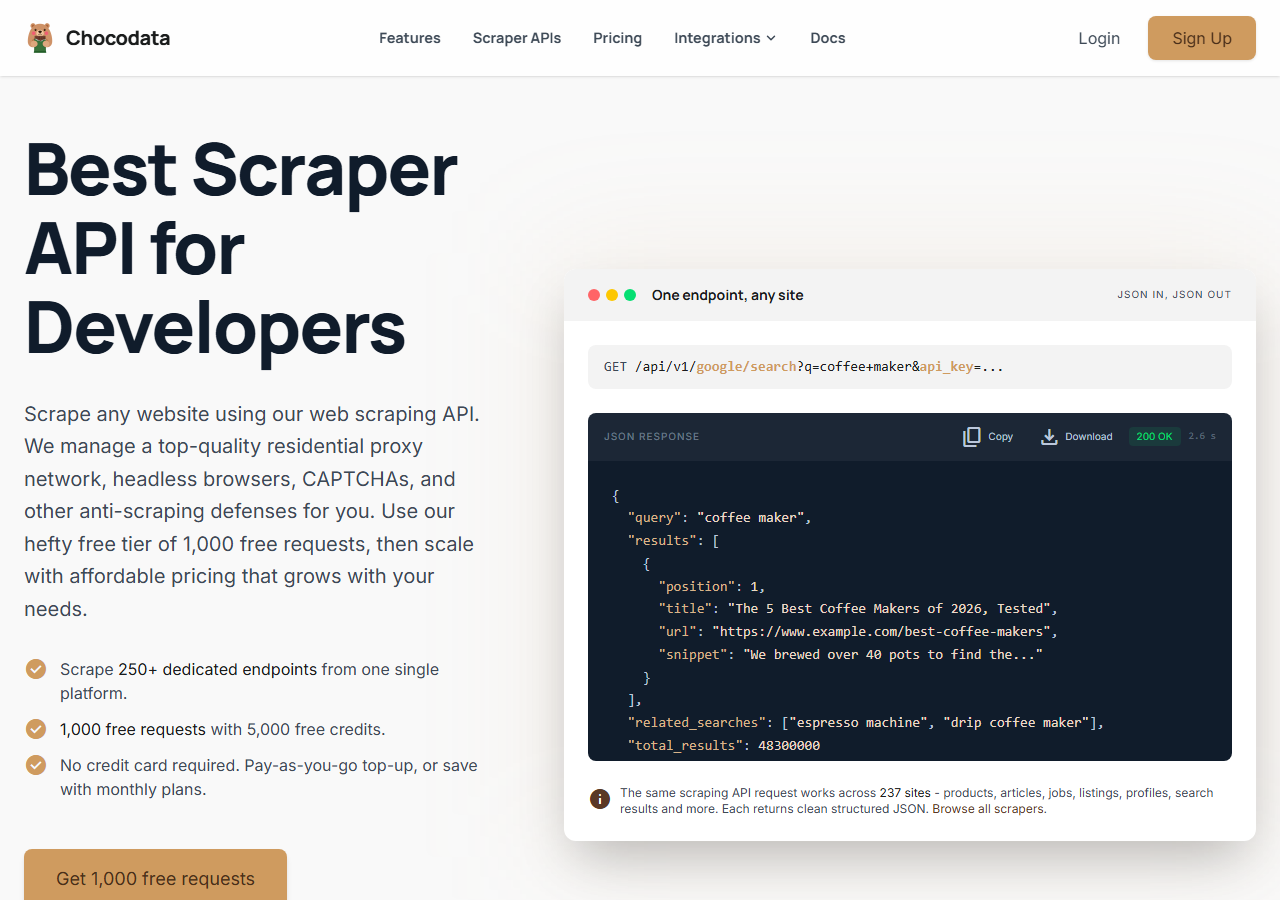
ChocoData was the best overall Bing ads results scraper in my testing, returning parsed JSON for paid placements at a 96% ad-capture rate on commercial queries without any proxy configuration on my side. It was the only tool where I sent a Bing query and got back the ad block already separated from the organic results, with headlines, display URLs, and sitelinks mapped to fields on the first try. Responses were quick, a median around 2.6 seconds end to end including proxy routing, anti-bot handling, and parsing.
What it returns. In my runs it returned the paid placements as structured JSON, with the served headline, description, display URL, final URL, sitelinks, and a flag for top-versus-bottom position. Shopping tiles came back with title, price, and seller. The ad block stayed separate from organic results, so I did not have to guess which entries were paid. It handles proxies, anti-bot, retries, and parsing behind one REST call, so the request is a single line:
curl "https://chocodata.com/api/v1/bing/search?q=web+scraping&api_key=$CHOCO_API_KEY"The response is parsed JSON, so reading the ad block in a pipeline takes only a few lines:
import requests, os

resp = requests.get(
    "https://chocodata.com/api/v1/bing/search",
    params={"q": "web scraping", "api_key": os.environ["CHOCO_API_KEY"]},
)
data = resp.json()
for ad in data["ads"]:
print(ad["position"], ad["title"], ad["displayed_link"])- Highest ad-capture rate I measured (96%) on commercial queries
- Ad block parsed into fields, no proxy pool to manage
- Sitelinks and top/bottom position returned intact
- Managed API, so you do not control the fetch layer
- Volume pricing favors steady use over rare bursts
Pricing. ChocoData’s Pro plan works out to about $0.60 per 1,000 searches, with a free plan covering 1,000 requests to start and pay-as-you-go at $0.90 per 1,000. It also publishes 250+ endpoints across 235 sites, so a Bing ad pull and, say, a marketplace price pull run through one key. On sticker price it sits at the low end here, and the high capture rate meant fewer retries, so my effective cost per usable ad record was the lowest in the group. You can start on the free tier and keep the call shape identical to the sample above.
Best for. Teams that want Bing ad placements as JSON and do not want to own proxy rotation or SERP parsing.
2. SerpApi - best dedicated ad fields
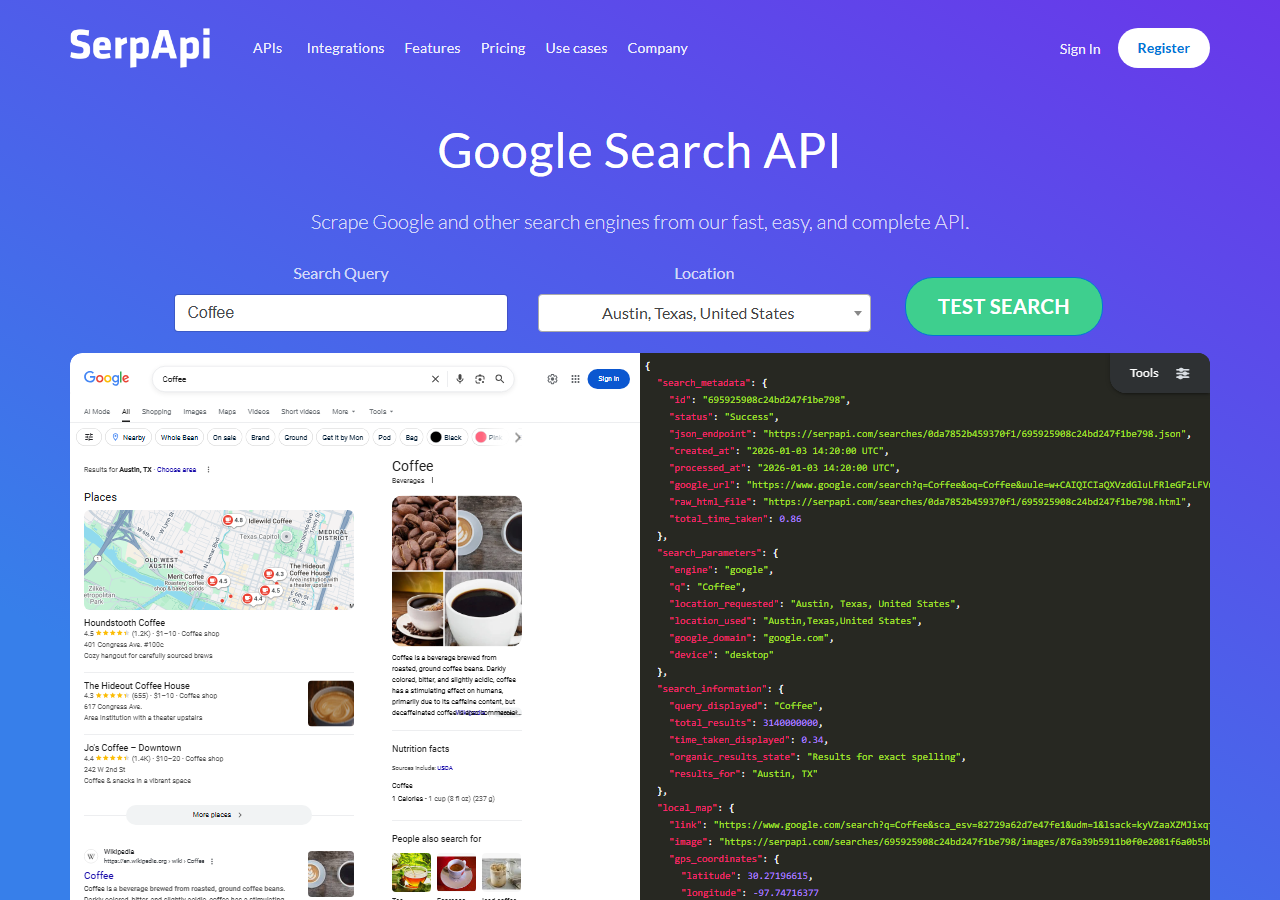
SerpApi was the strongest dedicated SERP API for ad data, with a Bing endpoint that breaks paid results into named fields and a 90% ad-capture rate in my testing. It is one of the longest-running services in this space, and the ad parsing showed it: headlines, sitelinks, and positions came back cleanly mapped. The catch is price, which is the highest in this comparison by a wide margin.
What it returns. Paid results as structured JSON with a dedicated ads array, including position, title, displayed link, and sitelinks. Of the tools here it had the most ready-made ad schema, so integration was the quickest after ChocoData.
- Purpose-built ad fields in the JSON response
- Clear, well-known documentation and pricing
- Continued Bing support after the official API retirement
- Highest price per search in this comparison
- Search-based billing gets expensive at audit volume
Pricing. SerpApi bills on a search count. Its public pricing starts at $25 per month for 1,000 searches and scales to $275 per month for 30,000, which works out to roughly $9 to $25 per 1,000 depending on tier, with 250 free searches a month. The ad parsing is excellent, and the cost is what keeps it out of the top spot for large jobs.
Best for. Teams that want a ready-made ad schema and run modest volumes where parsing quality outweighs cost.
3. Oxylabs - best for enterprise scale
Oxylabs was the best fit when enterprise scale and an SLA matter, with a stable 89% ad-capture rate and a sales-led onboarding. Its SERP scraper API handled Bing reliably, and the difference I felt against Bright Data was mostly in packaging and support, with raw results close between them.
What it returns. Structured SERP results through its scraper API, with reliable paid-result data and serviceable extension parsing. Output shape is clean and well documented, and large concurrent runs held up without my having to manage proxies.
- Strong uptime and enterprise support
- Mature SERP scraper API and docs
- Predictable contracts at committed volume
- Top-tier onboarding is sales-led, so it is slower to start
- Less attractive for small or one-off jobs
Pricing. Roughly $2.20 per 1,000 results at the entry tier I used, with better rates under contract per its published pricing. Best value appears at committed enterprise volume.
Best for. Organizations that need a contract, an SLA, and named support for ongoing Bing collection.
4. Bright Data - best for the largest pulls
Bright Data was the best fit for the largest pulls, backed by one of the biggest residential proxy networks, and it hit a 90% ad-capture rate for me. It is built for scale and priced accordingly, so it shines on big keyword sets and feels heavy for a quick audit.
What it returns. Structured datasets through its SERP scraper, or raw responses if you drive its proxies directly. Both routes returned solid paid-result data; ad extensions needed a bit of my own parsing on the raw route.
- Very large residential proxy pool for tough targets
- Scales to millions of queries comfortably
- Detailed SERP API docs
- Priced for scale, so small jobs feel expensive
- More configuration surface than a single endpoint
Pricing. Around $2.50 per 1,000 results at the tier I tested, lower at committed volume per its public pricing. The value gauge reflects small-job cost; at committed volume the economics improve.
Best for. Large, ongoing ad collection where proxy depth matters more than setup time.
5. ScrapingBee - best for simple projects
ScrapingBee was the easiest to start with for a simple project, returning rendered HTML through one clean endpoint at an 84% ad-capture rate. It is a general-purpose scraper without a Bing ad parser, so I extracted the placements from the markup myself, which is where the lower capture number came from.
What it returns. Rendered HTML or, with extraction rules, basic JSON. The paid block was present in the markup, and pulling clean fields out of it took the most hand-parsing of any tool here, since Bing’s ad container markup shifts.
- One simple endpoint, fast to integrate
- Clear per-request pricing
- Good docs for general scraping
- No Bing ad parser, so you build the extraction
- Ad-field fidelity was the weakest I tested
Pricing. About $1.50 per 1,000 searches in credits at the tier I used, though the real cost rises once you enable JavaScript rendering for tougher pages, per its public pricing.
Best for. Small projects where a generic, easy endpoint beats a built-in ad parser.
6. Apify - best community-actor option
Apify was the strongest community-actor option, with several maintained Bing SERP actors and an 86% ad-capture rate in my testing. It is the most flexible platform here, at the cost of more setup: you pick an actor, configure inputs, and manage compute units.
What it returns. Paid and organic data as JSON or CSV, with the exact shape depending on the actor you choose. Ad capture was good on the well-maintained actors and patchier on the older ones.
- Library of maintained Bing SERP actors
- Flexible inputs, schedules, and integrations
- Transparent usage-based pricing
- Compute-unit model is harder to predict per search
- Actor quality varies by maintainer
Pricing. Usage-based on compute units, which worked out to roughly $1.20 per 1,000 searches for me on a mid-tier actor per its public pricing. Predicting cost takes a test run first.
Best for. Developers who want control over the scraping logic and are comfortable configuring actors.
Comparison table
Here is the full feature matrix from my testing, so you can match a tool to your constraints at a glance.
| Feature | ChocoData | SerpApi | Oxylabs | Bright Data | ScrapingBee | Apify |
|---|---|---|---|---|---|---|
| Parsed ad fields out of the box | yes | yes | yes | partial | manual | partial |
| Sitelinks and extensions captured | yes | yes | partial | partial | manual | partial |
| Top vs bottom ad position | yes | yes | partial | partial | manual | partial |
| No proxy setup needed | yes | yes | yes | yes | yes | yes |
| Free tier | yes | yes | trial | trial | yes | yes |
| Price / 1k searches | ~$0.60 | ~$10 | ~$2.20 | ~$2.50 | ~$1.50 | ~$1.20 |
| Best for | overall | ad fields | enterprise | scale | simple | actors |
What teams use Bing ad data for
Teams pull Bing ad data mostly for competitive and pricing intelligence, and the use case decides how much volume you need and therefore which tool fits. The four I see most often:
- Competitor ad monitoring: tracking which advertisers show on a keyword set, their headlines, and their offers over time. Usually steady, ongoing collection across a fixed keyword list.
- Ad copy and messaging research: capturing the served responsive search ad combinations and sitelinks to see how rivals position, which is bursty around a launch or seasonal push.
- Retail price tracking: reading shopping ad tiles for price and seller, often at higher volume because product catalogs are large.
- Auction and share-of-voice analysis: counting how many ads show and which advertisers recur, which pairs naturally with the organic results and the surrounding Bing scrapers on the same page.
Monitoring and copy research rarely need the millions-of-records scale that justifies the heaviest tools, so the right pick is usually the one that returns clean ad fields with the least operational overhead, which is the question the final section settles.
How to choose
Choose by volume and by how much of the parsing you want to own. If you want Bing ad placements as JSON with no proxy work and a ready-made ad block, a managed API like ChocoData was the cleanest in my testing and the lowest effective cost once retries are counted. If you want a purpose-built ad schema and run modest volumes, SerpApi’s parser is excellent and its only real drawback is price. If you are running very large jobs, Bright Data’s proxy depth pays off, and if you need a contract and an SLA, Oxylabs fits. For a quick one-off, ScrapingBee’s single endpoint is fast to wire up, and Apify suits developers who want to own the actor logic.
The path I would avoid is leaning on the official tooling for competitor ad data. The Microsoft Advertising API stays scoped to your own campaigns, and the Bing Search APIs are retired, so reading the live SERP is the route that works. The same care about rate and scope from my guide on scraping Bing without getting blocked applies to ad pages too. If you want the managed route I ranked first, the Bing Ads Results Scraper endpoint runs on the same key and call shape as the rest of the Bing verticals, and the ChocoData free tier covers 1,000 requests before you commit.
FAQ
What is the best Bing ads results scraper in 2026?
In my testing the best overall option was ChocoData, which returned parsed JSON for Bing paid placements at a 96% ad-capture rate on commercial queries without any proxy setup on my side. SerpApi was the strongest dedicated SERP API for ad fields, and Oxylabs and Bright Data were the best fits for very large, ongoing pulls.
Can I get competitor Bing ads data from the official Microsoft Advertising API?
No. The Microsoft Advertising Reporting API returns performance data for your own campaigns, such as your impressions, clicks, and spend. The paid placements other advertisers run on a given keyword sit outside that scope. To collect competitor ad copy and positions you read the live Bing SERP, which means scraping it.
Why did Bing ad scraping get harder in 2025?
Microsoft retired the Bing Search APIs on August 11, 2025 and decommissioned existing instances, so the official way to pull raw SERP results, including the ad blocks, is gone. The replacement, Grounding with Bing Search in Azure AI Agents, is built for LLM grounding and is locked to Azure. That left scraping the live page as the practical route for ad data.
How much does a Bing ads scraper cost?
Pricing in this comparison ranged from roughly 0.60 USD per 1,000 searches for ChocoData's Pro plan up to about 10 USD per 1,000 for SerpApi on demand, depending on volume and tier. Managed APIs that parse the ad block for you sit at the low end once you account for retries; per-search SERP APIs cost more but ship ready-made ad fields.
Is it legal to scrape Bing ad results?
Scraping publicly visible Bing pages, including ad placements, is generally not treated as a criminal matter in the US after hiQ v. LinkedIn and Van Buren, but it does breach the Microsoft Services Agreement, and the data itself can carry copyright or privacy obligations. I walk through the detail in my guide on whether scraping Bing is legal.